Buying guide · updated 9 Nov 2026
Golf simulator vs. launch monitor: what's the difference?
A launch monitor measures your shot. A golf simulator is everything around it that lets you see and play that shot on a virtual course. Most first-time buyers only find out after they've bought the launch monitor.
By the GolfSimsForSale.com editors. Desk research from maker and seller pages; we haven't hands-on tested these products.
What a launch monitor does
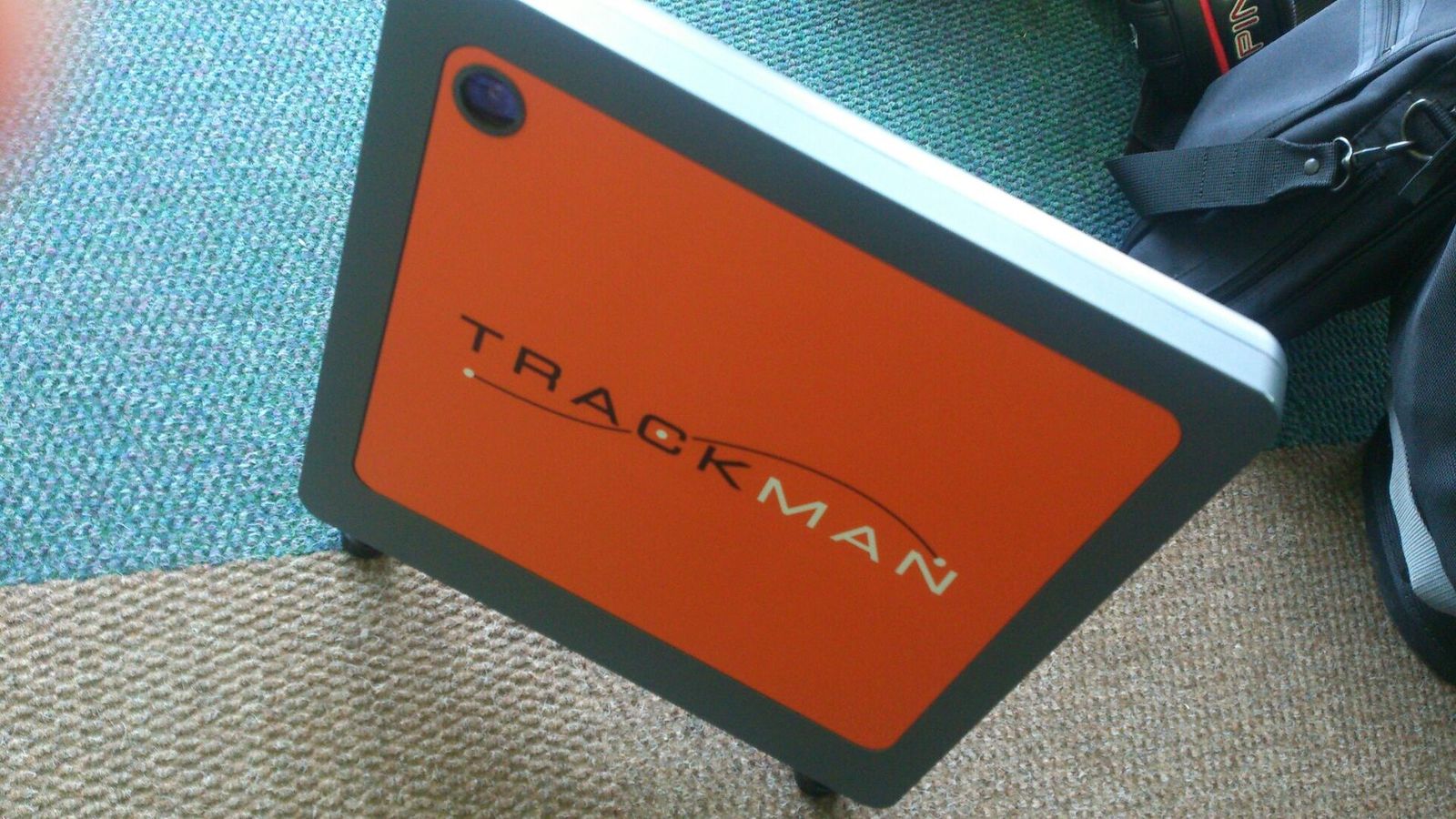
A launch monitor is the technology that measures the golf ball, and often the club, when you hit a shot. Depending on the model it can measure ball speed, club speed, launch angle, spin rate, carry and total distance, shot direction, smash factor, club path and more.
Examples include Trackman, Foresight Sports, Uneekor, SkyTrak, Garmin, Bushnell and FlightScope.
Radar (Doppler)
- Placement
- Floor, behind the golfer
- Room
- 21′ deep (recommended)
- Subscription
- Not published
- Software
- Works with GSPro
Radar + camera
- Placement
- Floor, beside the ball
- Room
- General guidance only
- Subscription
- Not required
- Software
- Own software
Camera (photometric)
- Placement
- Floor, beside the ball
- Room
- General guidance only
- Subscription
- Not published
- Software
- Works with GSPro
On its own, a launch monitor shows numbers on a phone, tablet or laptop. That's useful at the range or into a net, but it isn't a simulator.
What a complete golf simulator adds
A complete simulator lets you hit real balls and play virtual courses. A typical setup includes:
- Launch monitor to measure the shot.
- Hitting mat to protect the floor and your joints.
- Impact screen to stop the ball and show the image.
- Enclosure or protective netting around the screen.
- Projector, usually short throw, mounted overhead.
- Simulator software with courses and practice modes.
- Computer or compatible device that runs the software.
- Mounting hardware and accessories, such as a projector mount and side netting.
Some systems include several of these. Others need every part bought separately. Some use a TV, tablet or net instead of a projector and screen.
What the difference costs
| Estimated total | Examples we've priced |
|---|---|
| Under $2,500 | Net starter: Garmin R10 + net + mat ($1,598), Rapsodo MLM2PRO Practice Package ($1,599) |
| $2,500 to $5,000 | SkyTrak ST MAX PlayBetter SimStudio COMPLETE ($4,695) |
| $5,000 to $10,000 | Shallow-room projector bay: SkyTrak ST MAX ($6,093), Garmin Approach R50 Practice Package ($6,099) |
| $10,000 to $15,000 | Full Swing KIT Studio ($11,500), TruGolf Vista 10 Golf Simulator ($11,905) |
| $15,000 to $25,000 | Premium room: Trackman iO ($20,992), Foresight Falcon PlayBetter SimStudio OVERHEAD Premium ($21,091) |
| $25,000 and up | aboutGOLF aG Sim Kit ($27,800), GOLFZON TwoVisionNX Standard ($31,299) |
Three ways to get there
- Buy a launch monitor and add parts. Most flexible. Use the builder to check each part against your room.
- Buy a retailer package. A launch monitor bundled with an enclosure, mat and sometimes a projector. Check what's missing on our package pages.
- Buy a turnkey system. The maker supplies the whole room. Usually the most expensive, often with installation.
Before you buy a launch monitor alone
- Check that it fits your room: room size calculator.
- Check which software works with it and what that costs: software compared.
- Check whether that software needs a gaming PC: computer requirements.
Frequently asked questions
Is a launch monitor a golf simulator?
No. A launch monitor measures the ball and often the club. A simulator adds somewhere to hit (a screen or net), a mat, usually a projector and computer, and software that turns the numbers into a virtual course.
Can I use a launch monitor without a simulator?
Yes. Many golfers use one at the range or into a net at home with a phone or tablet app.
What do I need to turn a launch monitor into a simulator?
Usually an impact screen in an enclosure, a hitting mat, a short-throw projector, simulation software and, for most PC software, a Windows computer with a dedicated NVIDIA graphics card.
Do some systems include everything?
Yes. Turnkey systems from makers like GOLFZON, Full Swing and aboutGOLF include the enclosure, screen, projector and software. Check our package pages for exactly what each one includes.