Buying guide · updated 9 Nov 2026
Golf simulator equipment checklist
Every part a home simulator needs, what it does, and what it costs from the sellers we checked.
By the GolfSimsForSale.com editors. Desk research from maker and seller pages; we haven't hands-on tested these products.
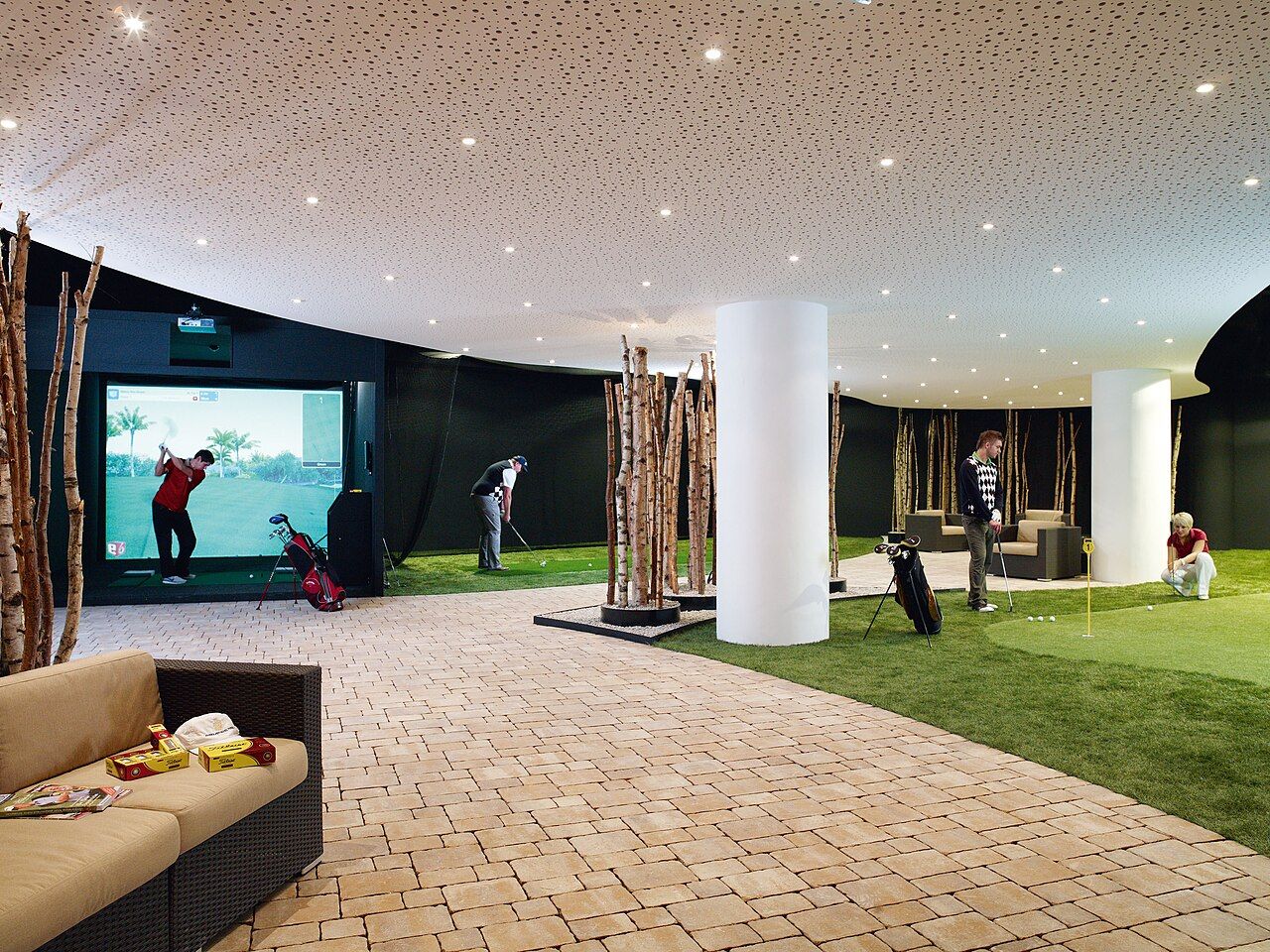
The checklist
- Launch monitor. Measures the shot. Everything else depends on this choice.
- Net or enclosure with impact screen. Stops the ball and, for a screen, shows the image.
- Hitting mat. Protects the floor and your joints. A cheap mat is a false economy.
- Projector. A short-throw model placed above or behind the golfer.
- Computer. Many launch monitors need a Windows PC for simulation software.
- Software and subscription. Some units include software; others need a plan for full features.
- Accessories. Side netting, landing pads, ball trays and lighting.
Prices we use
| Component | Price | Seller (checked 9 Nov 2026) |
|---|---|---|
| Rain or Shine SwingNet Pro XL (8 ft x 8 ft x 3 ft) | $599 | Rain or Shine Golf |
| Rain or Shine SwingTurf hitting mat 5 ft x 5 ft | $499 | Rain or Shine Golf |
| Rain or Shine SwingTurf hitting mat 4 ft x 9 ft | $799 | Rain or Shine Golf |
| Optoma ZW350ST short-throw laser projector (WXGA, 3,600 lumens, 0.521:1) | $849 | Rain or Shine Golf |
| BenQ AH30ST short-throw projector (1080p, 3,000 lumens, 0.69 to 0.83:1) | $1,499 | Carl's Place |
| Carl's Place DIY enclosure kit with impact screen | $999.95 | PlayBetter |
| Skytech RTX 5070 golf simulator desktop | $2,049.99 | Shop Indoor Golf |
| Rain or Shine golf simulator laptop | $1,750 | Rain or Shine Golf |
| Rain or Shine PC desktop bundle (from) | $2,999 | Rain or Shine Golf |
| Rain or Shine landing pad (from) | $349 | Rain or Shine Golf |
| GSPro, one year | $250 | Rain or Shine Golf |
Tip
Our package pages mark each of these items as included, optional or missing, so you can see what a bundle really leaves out.
Want a shortlist for your room? Find My Simulator checks fit and prices the full setup in about two minutes.
Frequently asked questions
Do I need a projector?
Only if you want to see the course or ball flight on an impact screen. A net setup can use a tablet or TV instead.
Does every package include a computer?
No. Our package pages mark the computer as included, optional or missing for each bundle.