Buying guide · updated 19 Nov 2026
Golf simulator software and apps compared
Software decides which courses you can play, whether you need a Windows PC and what you pay every year. Here's how the main programs compare, including which run on an iPad or a Mac.
By the GolfSimsForSale.com editors. Desk research from maker and seller pages; we haven't hands-on tested these products.
The main programs at a glance
| Software | Price | Platforms | Compatibility list |
|---|---|---|---|
| GSPro | per year | Windows 10 or 11 only (no Mac or iOS) | 21 of the launch monitors we track |
| Awesome Golf | per year ($14.99 a month, or $299.99 lifetime) | Windows, macOS, ChromeOS, iPad and iPhone, Android | Not published as a full list |
| Creative Golf 3D (SkyTrak course library) | per year (sale; $200 regular); needs an active SkyTrak Essential Membership | Windows | 2 of the launch monitors we track |
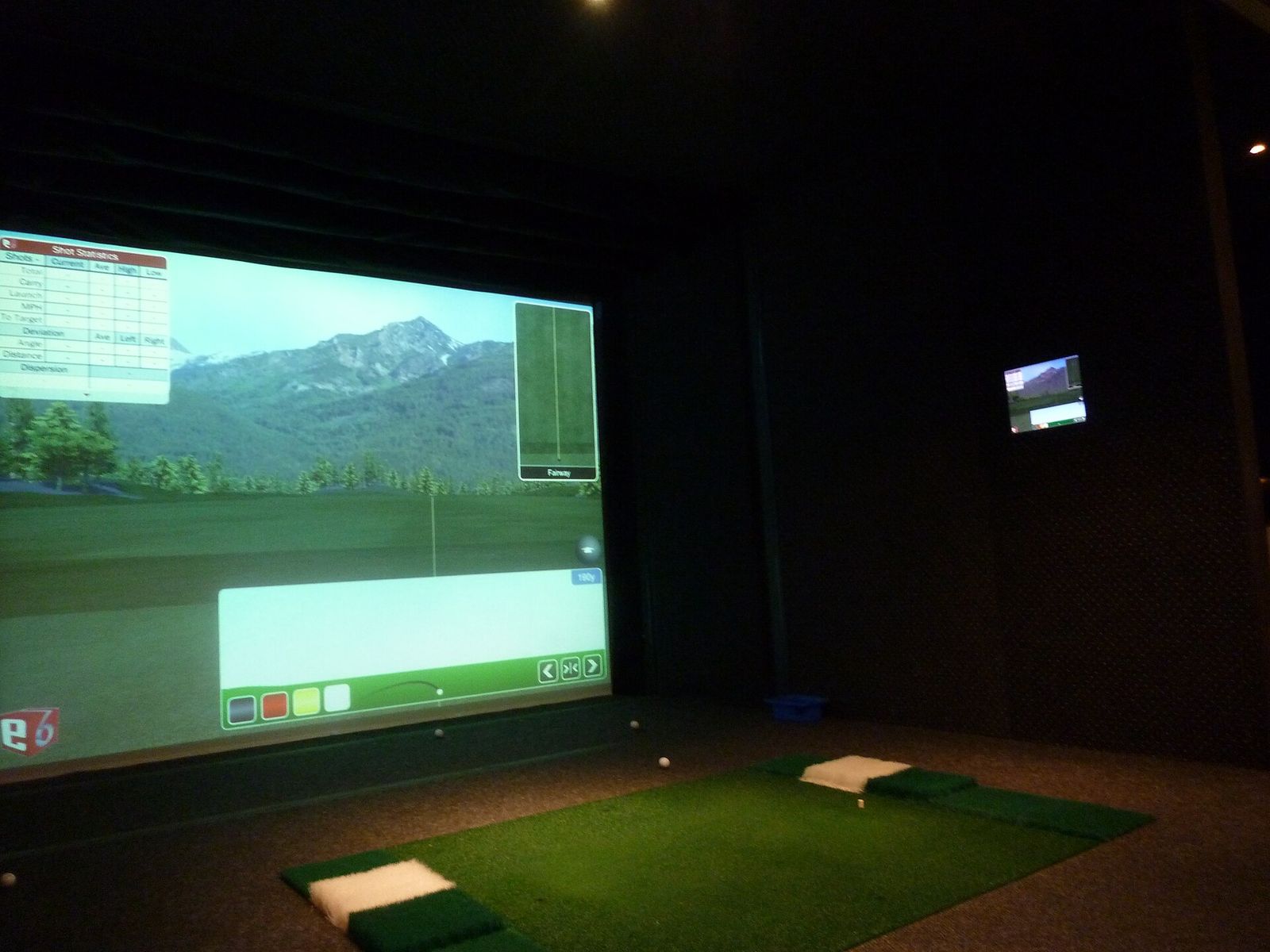
| E6 CONNECT | TruGolf shows pricing only after login | PC and iOS | Not published as a full list |
| FSX Play with Foresight+ membership | Silver $199/yr or Gold $599/yr; free tier available | Windows 10 64-bit minimum; Windows 11 recommended | 6 of the launch monitors we track |
| Uneekor VIEW and software tiers | optional tiers $199 to $699 per year | Windows 10 or 11, 64-bit | 5 of the launch monitors we track |
| Trackman Performance Studio and Virtual Golf | Home $700/yr or Home Complete $1,100/yr; first year included | Not verified | 2 of the launch monitors we track |
| Garmin Home Tee Hero (Garmin Golf membership) | per year, per a dealer listing | Phone or tablet app | 2 of the launch monitors we track |
| Bushnell Launch Pro Gold subscription | per year after promotion | Not verified | 1 of the launch monitors we track |
Which programs run on which devices
- Windows only: GSPro, Foresight's FSX software and Creative Golf. You need a gaming-grade Windows PC. See computer requirements.
- Windows and iPad: E6 CONNECT runs on PC and iOS.
- Almost anything: Awesome Golf lists Windows, macOS, ChromeOS, iPad, iPhone and Android. That makes it one of the few options for a Mac or a Chromebook.
- Phone or tablet apps: many launch monitors come with their own app for practice and data, such as Garmin's Golf app and the VoiceCaddie S app.
The programs in brief
GSPro. A Windows program with a large community-built course library. Listed at $250 a year. See GSPro courses.
E6 CONNECT (TruGolf). Runs on PC and iOS, with home and commercial tiers. TruGolf shows pricing only after you log in. Several launch monitors include an E6 starter package.
Awesome Golf. Listed at $14.99 a month, $119.99 a year or $299.99 for a lifetime licence when we checked. Awesome Golf says licences are tied to your launch monitor.
FSX Play and FSX Pro (Foresight). Foresight's PC software for its own launch monitors and the Bushnell Launch Pro. FSX Play memberships were listed at $199 (Silver) and $599 (Gold) a year. Foresight's support pages name FSX 2020, FSX Play and FSX Pro as the PC software its units connect through. They didn't publish separate FSX Pro pricing, so ask a Foresight dealer.
Trackman Virtual Golf. Trackman's own software for the iO and Trackman 4. A dealer listed Home at $700 a year (60 courses) and Home Complete at $1,100 a year (270+ courses), with the first year included.
Creative Golf 3D. SkyTrak sells a Creative Golf course library of 140+ mostly European courses for Windows. It was $150 a year on sale ($200 regular), and it needs an active SkyTrak Essential Membership.
How to choose
- Check which programs your launch monitor supports. Each product page lists GSPro and E6 support where the maker or seller states it.
- Decide on the device: Windows PC, iPad or Mac.
- Compare the yearly cost, not just the first year.
- If you want lots of courses, compare library sizes.
Frequently asked questions
What is the best golf simulator software?
It depends on your launch monitor and device. Not every program works with every launch monitor, and several only run on Windows. Start with what your launch monitor supports, then compare courses and yearly price.
Can I run a golf simulator on an iPad or a Mac?
Some programs run on them. E6 CONNECT runs on PC and iOS, and Awesome Golf lists Windows, macOS, ChromeOS, iPad, iPhone and Android. GSPro and FSX are Windows only.
Is there golf simulator software without a subscription?
Some launch monitors include software or courses you keep, such as FlightScope's E6 packages. Most full course libraries are annual.
Does TGC 2019 still work with launch monitors?
Some retailers still list The Golf Club 2019 as compatible with certain launch monitors, such as the FlightScope Mevo+. Check with the launch monitor maker before relying on it.