Buying guide · updated 19 Nov 2026
Indoor golf simulator: what you need and what it costs
An indoor golf simulator is seven parts working together, not one gadget. Here is what each part does, how much room it needs and what a complete setup really costs, from prices we've checked.
By the GolfSimsForSale.com editors. Desk research from maker and seller pages; we haven't hands-on tested these products.
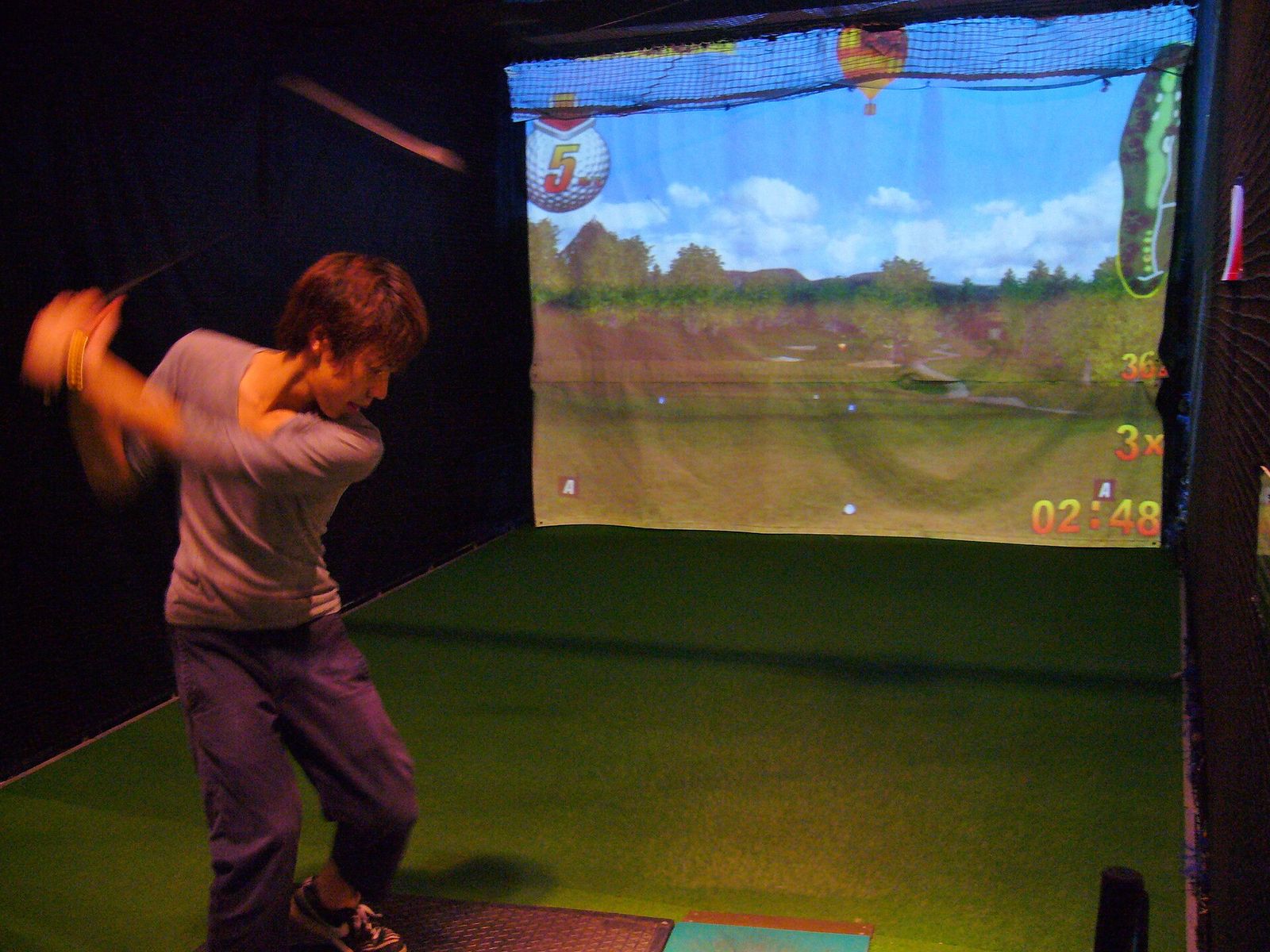
What an indoor golf simulator is made of
A launch monitor measures your shot. Everything else turns that measurement into something you can see and play indoors:
- Launch monitor: reads ball speed, launch and spin, and on some units club data. See the launch monitor center.
- Hitting mat: protects the floor and your joints. See hitting mats.
- Net or impact screen: stops the ball. A screen also shows the projected image. See impact screens.
- Enclosure: frames the screen and catches mishits. See enclosures and nets.
- Projector: puts the course on the screen. Short-throw models fit most rooms. See projectors.
- Software: the courses and practice ranges. See software.
- Computer: most full simulation software runs on a Windows PC. See computers.
Net setup or full simulator?
A net setup is a launch monitor, a mat and a net, with shot data on a phone, tablet or laptop. It is the cheapest way to practice indoors and needs the least room.
A full simulator adds an impact screen, an enclosure, a projector and software, so you can play courses. It costs more and needs room for the projector and the screen frame.
| Launch monitor | Unit price | Estimated net setup total | Subscription |
|---|---|---|---|
| Voice Caddie SC4 PRO | $449.99 | $1,547.99 | Not required |
| Garmin Approach R10 | $499.99 | $1,597.99 | Not verified |
| Rapsodo MLM2PRO | $549.99 | $1,647.99 | Not verified |
| Square Golf | $699.99 | $1,797.99 | Not required |
| FlightScope Mevo+ (2023 Edition) | $1,099 | $2,197 | Not required |
| FlightScope Mevo Gen2 | $1,149 | $2,247 | Not required |
| SkyTrak ST MAX | $1,695 | $2,793 | Not required |
| Uneekor EYE MINI LITE | $1,699 | $2,797 | Not required |
How much room you need
Ceiling height decides whether you can swing a driver at all. Depth depends on where the launch monitor sits: beside the ball, behind you, or on the ceiling. Width needs to clear your swing and leave space if the unit sits beside the ball.
- See golf simulator room dimensions and ceiling height.
- Garages and basements each have their own catches; see the best simulators for garages and for basements.
What a complete indoor golf simulator costs
These totals come from packages and parts we've priced on seller pages. They include the launch monitor and the other parts it needs, not just the headline unit.
| Estimated total | Examples we've priced |
|---|---|
| Under $2,500 | Net starter: Garmin R10 + net + mat ($1,598), Rapsodo MLM2PRO Practice Package ($1,599) |
| $2,500 to $5,000 | SkyTrak ST MAX PlayBetter SimStudio COMPLETE ($4,695) |
| $5,000 to $10,000 | Shallow-room projector bay: SkyTrak ST MAX ($6,093), Garmin Approach R50 Practice Package ($6,099) |
| $10,000 to $15,000 | Full Swing KIT Studio ($11,500), TruGolf Vista 10 Golf Simulator ($11,905) |
| $15,000 to $25,000 | Premium room: Trackman iO ($20,992), Foresight Falcon PlayBetter SimStudio OVERHEAD Premium ($21,091) |
| $25,000 and up | aboutGOLF aG Sim Kit ($27,800), GOLFZON TwoVisionNX Standard ($31,299) |
Subscriptions can add a yearly cost on top. See how much a golf simulator costs for the full breakdown.
Packages or your own parts?
A complete package is simpler: the seller has matched the parts. Building your own lets you choose each part to fit your room and budget. Build Your Own Golf Simulator checks every part against your room and the rest of your setup as you go.
Frequently asked questions
What do I need for an indoor golf simulator?
A launch monitor to measure the shot, a hitting mat, a net or an impact screen in an enclosure, and, for a full simulator, a projector, simulation software and usually a Windows PC. Some packages combine several of these.
How much room does an indoor golf simulator need?
It depends on the launch monitor. Units beside the ball can work in less depth than radar units behind you, which often need 15 ft or more. Ceiling height is the hardest limit: estimate about 3.3 ft above the golfer's height for a full driver swing.
Can I start with a net and add a screen later?
Yes. Many people start with a launch monitor, mat and net, then add an enclosure, screen and projector. Check that the launch monitor you buy works with the software you'll want later.
Is an indoor golf simulator worth it?
It depends on how often you'll use it and whether your room fits a full swing. Our guide on whether simulators are worth it covers the trade-offs.