Buying guide · updated 19 Nov 2026
Putting and short game on a golf simulator
Full swings are what simulators do best. Putting and chipping are harder to measure, so if your short game matters, check what the launch monitor actually lists before you buy.
By the GolfSimsForSale.com editors. Desk research from maker and seller pages; we haven't hands-on tested these products.
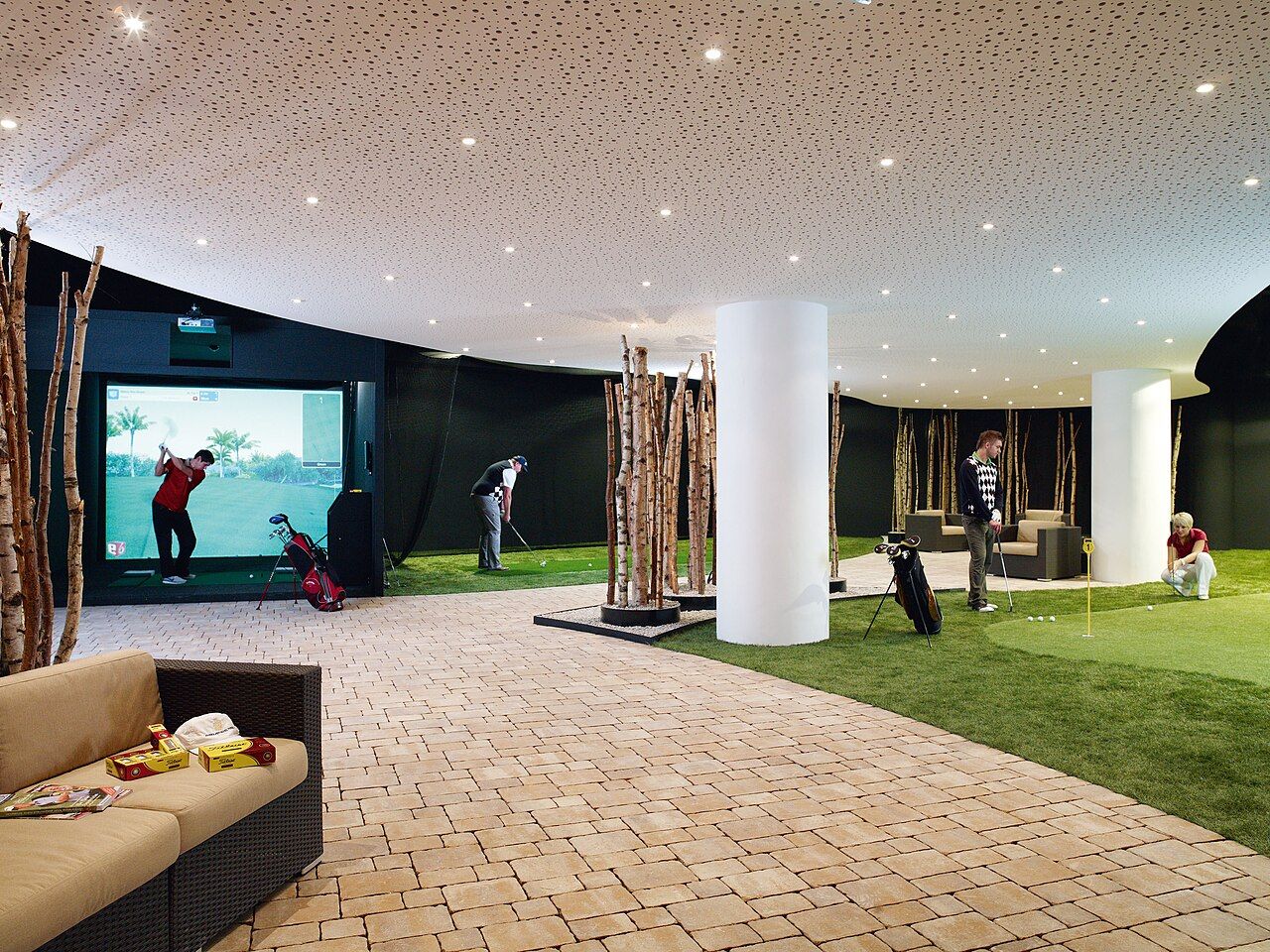
Why putting is harder for a simulator
A full shot launches fast and high, which suits radar and cameras alike. A putt is slow, low and rolls along the floor. Units that watch ball flight from behind you may struggle with short rolls. Camera units that see the ball at impact can do better, but only if the maker supports putting.
Launch monitors that list putting
These are the units we track where the maker or seller lists putting. On some it's an option, so check the product page.
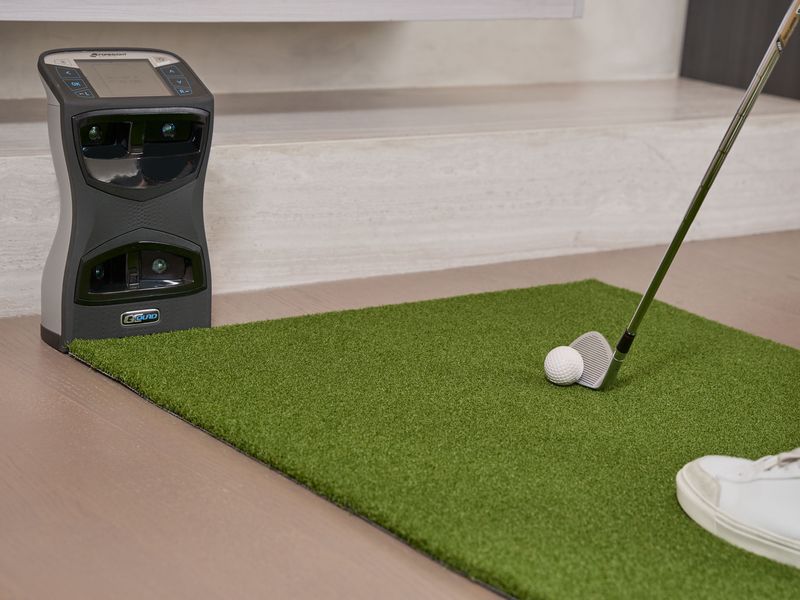
Camera (photometric)
- Placement
- Floor, beside the ball
- Room
- General guidance only
- Subscription
- Not published
- Software
- Works with GSPro
Camera (photometric)
- Placement
- Floor, beside the ball
- Room
- General guidance only
- Subscription
- Required
- Software
- Works with GSPro
Camera (photometric)
- Placement
- Built into the simulator
- Room
- 14′ wide, 18′3″ deep, 10′8″ ceiling (maker or seller figure)
- Subscription
- Not published
- Software
- Not published
Camera (photometric)
- Placement
- Built into the simulator
- Room
- 13′ wide, 18′3″ deep, 10′2″ ceiling (maker or seller figure)
- Subscription
- Not published
- Software
- Not published
Radar + camera
- Placement
- Floor, behind the golfer
- Room
- Not published
- Subscription
- Not published
- Software
- Own software
Chipping and pitching
Short shots launch slower and lower than full swings. Before you buy, check:
- whether the maker publishes a minimum ball speed or minimum distance;
- whether your room leaves enough ball flight before the screen or net for a radar unit to read a short shot;
- whether the software has a short-game or chipping practice mode.
A putting green beside the bay
Many owners put a strip of putting turf beside the hitting area, or extend the hitting mat into a small green. It doesn't need a launch monitor and it's good practice. Leave enough room so nobody putting is ever standing in the swing zone.
Frequently asked questions
Can you putt on a golf simulator?
Yes, but how well depends on the launch monitor and software. Some list putting as a feature, sometimes as an add-on. Many simulator setups also use auto-putt or a 'gimme' distance.
Which launch monitors list putting?
The table on this page shows the ones we track where the maker or seller lists putting. For others, it wasn't listed on the pages we checked.
Do I need a separate putting green?
Not to play, but many owners add a putting green or mat beside the bay for real practice, because the feel of putting on turf differs from putting at a screen.