Buying guide · updated 19 Nov 2026
Golf simulator projector setup: mounting, placement and lighting
Where the projector goes decides whether you cast a shadow, whether the picture fills the screen and whether a mishit can reach it. Throw ratio is the number that sets all three.
By the GolfSimsForSale.com editors. Desk research from maker and seller pages; we haven't hands-on tested these products.
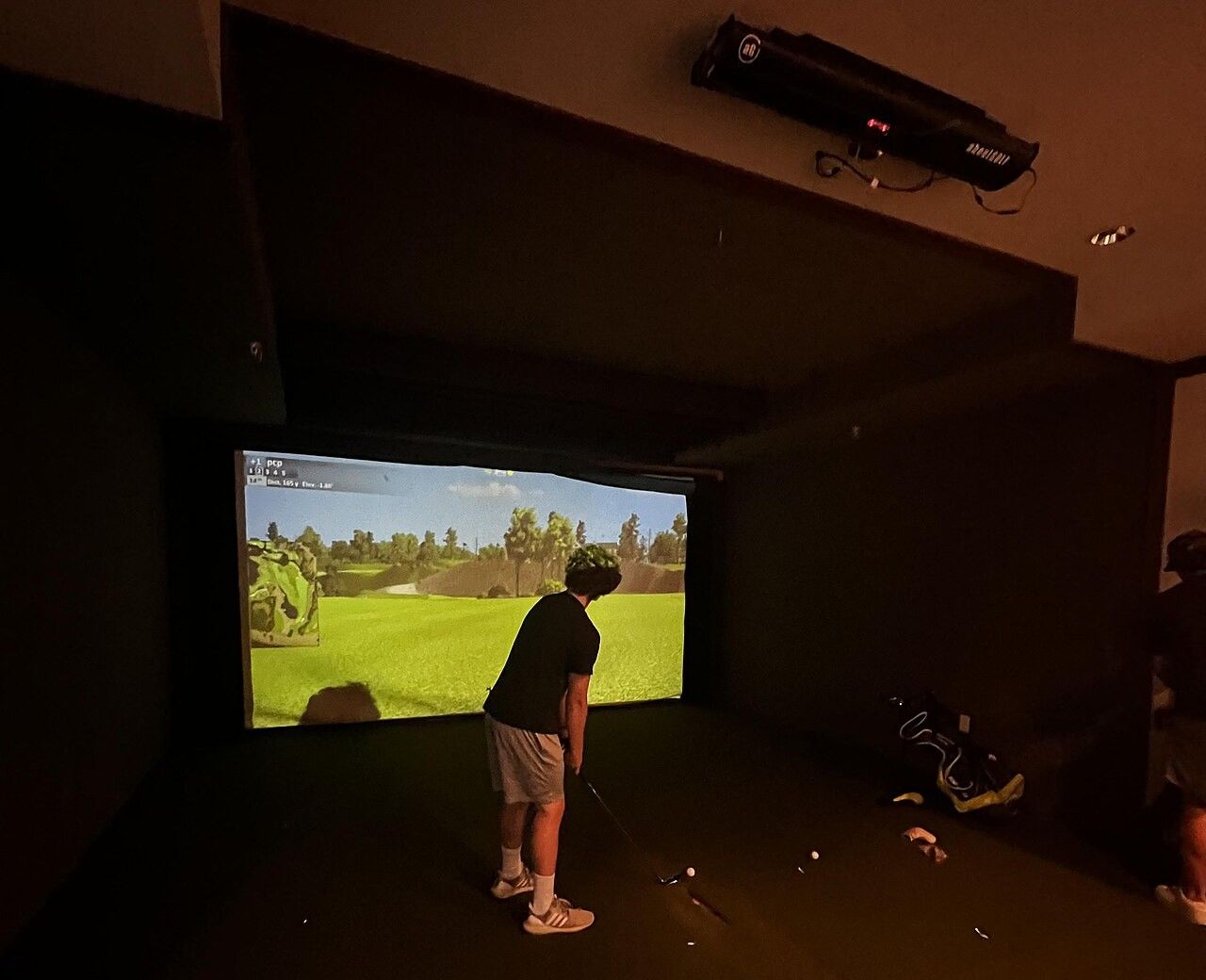
Start with the throw ratio
Throw ratio is the distance from the projector to the screen divided by the width of the picture. A throw ratio of 0.5 fills a 10 ft wide screen from about 5 ft away; a ratio of 1.0 needs about 10 ft. Lower numbers mean the projector can sit closer to the screen. The projector calculator does this for your screen.
Ceiling mount or floor stand
- Ceiling mount. The most common choice. Mount it high and out of the swing path, fixed into joists, with cables run before you finish the ceiling.
- Floor or shelf mount. Some short-throw projectors sit on the floor in front of the screen. Protect them with a solid guard, since a topped shot can reach them.
Wherever it goes, keep it out of the line of a mishit and make sure the golfer's head and club don't throw a shadow on the screen.
Avoiding shadows
A projector behind the golfer, at a low height, puts your shadow on the screen. Mounting it high above or just in front of the golfer avoids that. Short-throw projectors make this easier because they sit closer to the screen.
Lighting the room
- Keep ambient light off the screen. Daylight and overhead lights wash out the picture.
- Light the hitting area evenly. Camera launch monitors need to see the ball and club clearly.
- Avoid lights that flicker or shine straight into a camera unit.
Projectors we've priced
The short-throw models we track are ranked on the best short throw projectors page, and every projector is compared on the projectors page.
Frequently asked questions
Where should a golf simulator projector go?
Usually on the ceiling, above or just behind the golfer, so you don't cast a shadow and the ball can't reach it. The right distance from the screen depends on the projector's throw ratio and your screen width.
Do I need a short-throw projector?
In most home rooms, yes. A short-throw projector fills a large screen from a short distance, so it can sit close to the screen and away from your swing.
How should I light a golf simulator room?
Keep light off the screen so the picture stays bright, and light the hitting area so camera launch monitors can see the ball. Check your launch monitor maker's lighting guidance, because some camera units are sensitive to it.